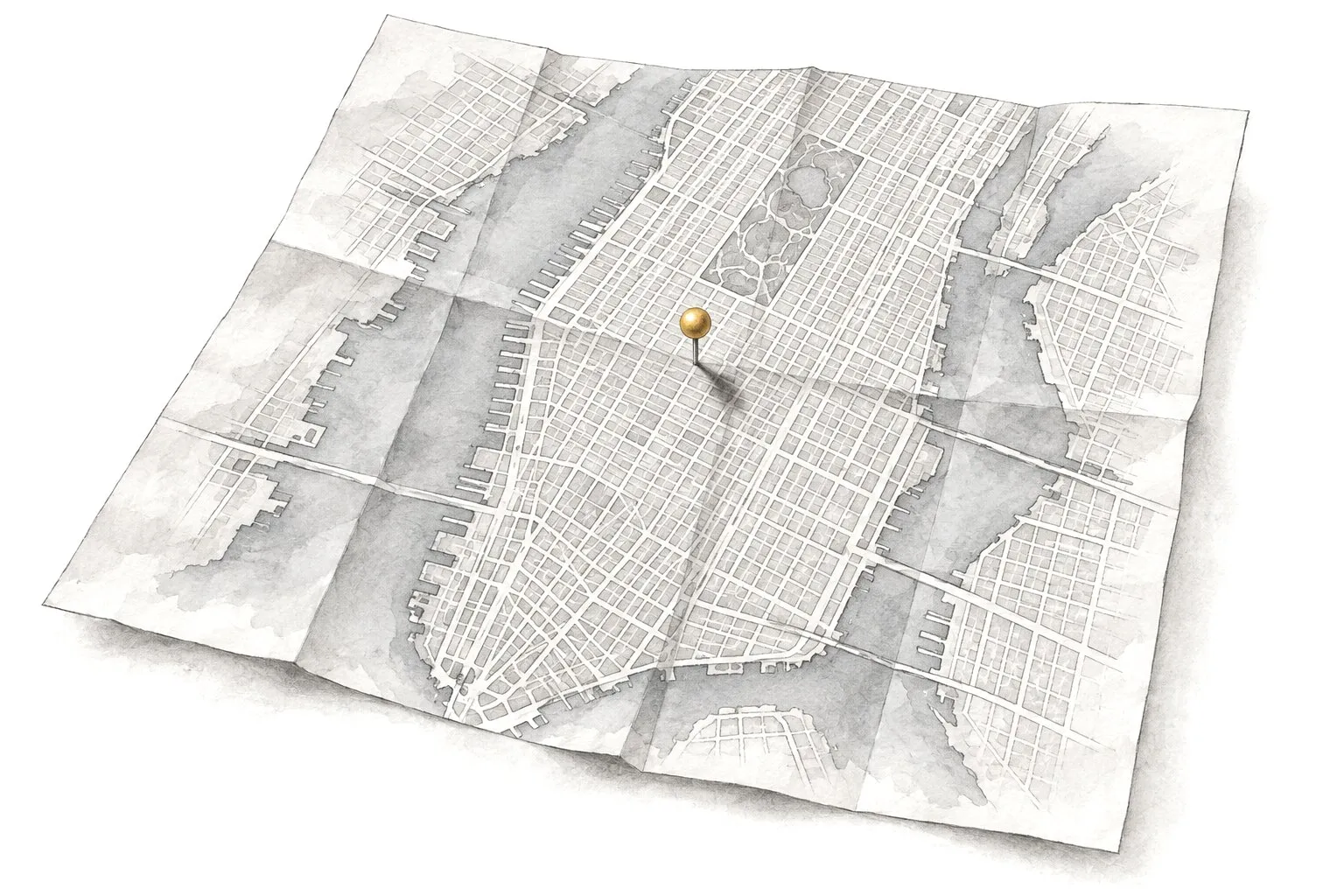
Your old site may look tired, but it has history with Google and with your customers. We give it a modern look and a clearer layout. The pages and rankings you rely on stay, and so does your email.
What’s included
New design, moved content, redirects and checks after launch
“It looks okay on a computer but falls apart on a phone.”
“Our services and prices changed, and the site still shows the old ones.”
“We’re scared a new site will make us disappear from Google.”
“Nobody can edit it without calling the original developer.”
“It’s slow, and the contact form only works some of the time.”
What a redesign includes
A redesign starts with what your current site already does well. We keep that and fix the rest.
A review of the old site
We list every page and check which ones bring visitors and calls, using Google Search Console and your analytics. That tells us what must survive the move.
A clearer page structure
We regroup your services, retire pages nobody visits and add the ones people search for, so customers find their answer in one or two taps.
A modern design
A new layout that suits your business today. Fresh type and colors go with it. If you love your logo and colors, they stay. We build the rest of the site around them.
Updated, tightened copy
We keep the text that works, rewrite what’s out of date and fill the gaps, like missing prices, hours or service areas.
Phone and speed fixes
The new site is built for phones first and tuned to load fast, two places where older sites usually fall behind.
A quiet switch-over
We build on a private preview address, test everything there, then switch at a quiet hour so customers never land on a half-finished site.
How it works
1
Look at what you have
About 1 week
We review the current site and every page address, along with its traffic and rankings. Then we talk with you about what’s working and what isn’t.
2
Plan the new site
3–5 days
You get a written plan with the new page list and where each old address will point. It also has a timeline and a fixed price.
3
Design and build
3–7 weeks
We design and write the pages, then build them on the preview address. You review and comment as we go.
4
Switch over and watch
1–2 weeks
We launch and turn on the redirects. Then we watch Google Search Console for errors and broken links and fix anything that turns up.
Keep your Google rankings
Rankings lost in a redesign usually come from a handful of avoidable mistakes: pages that vanish, addresses that change with no forwarding, or titles that get wiped. Here’s how we prevent each one.
A map of every old address
We list every page Google knows about and decide where each one lives on the new site. Nothing gets dropped by accident.
Permanent forwarding
When an address changes, we add a 301 redirect, a permanent forward that sends both visitors and Google from the old page to the new one.
Content that carries over
Pages that rank keep their main topic and their useful text, even when the design changes completely.
Titles, descriptions and structured data
We move page titles, meta descriptions (the short summary under your link in Google) and the business details in the code, and improve the weak ones.
Checks after launch
We submit the new sitemap, watch Search Console for errors and fix broken links during the first weeks.
Some movement in rankings during the first weeks is normal while Google re-reads the site. We can’t promise there will be none, but we make sure nothing important gets lost.
What it costs
Starting at$3,500
The starting price covers a redesign of a typical business site. It starts with the review and a new page plan. Design and refreshed copy come next. Redirects and checks after launch finish the job. You get a fixed price in writing once we’ve seen the current site.
It can, if old pages disappear or change address without a redirect. We map every old page and set permanent redirects. The content that ranks stays, which protects what you’ve built up. A little movement for a few weeks is normal while Google catches up.
Will I keep my domain and email?
Yes. A redesign changes the website, not your domain name. Your email usually runs on a separate service, like Google Workspace or Microsoft 365, and we leave its settings untouched when we switch the site over.
Can we redesign the site in stages?
Yes. If time or budget is tight, we can start with the pages that matter most, such as the home page and your top services, and do the rest later. We’ll also tell you honestly when patching the old site would cost more than rebuilding it.
What’s the difference between a redesign and starting over?
A redesign keeps your address and your best content, along with your page history. It gives the site a new look and structure. Starting over makes more sense when the old site gets little traffic or runs on a platform nobody can maintain. After the review, we’ll tell you which fits.
How do I know my website needs a redesign?
Common signs: it’s hard to use on a phone, it loads slowly, the information is out of date, or you avoid sending people to it. If customers keep calling to ask things the site should answer, that’s a sign too.
Can you redesign a site someone else built?
Yes. We need access to the hosting and the domain, plus the website login. If nobody knows the logins, we help you recover them, since they should be in your name anyway.
How much of my time will it take?
Expect a kickoff call, a few rounds of feedback and a final sign-off. We do the heavy lifting and keep our questions short.
Get a free website review
Send us your website address. We’ll look at it the way your customers do and tell you, in plain English, what to fix first.