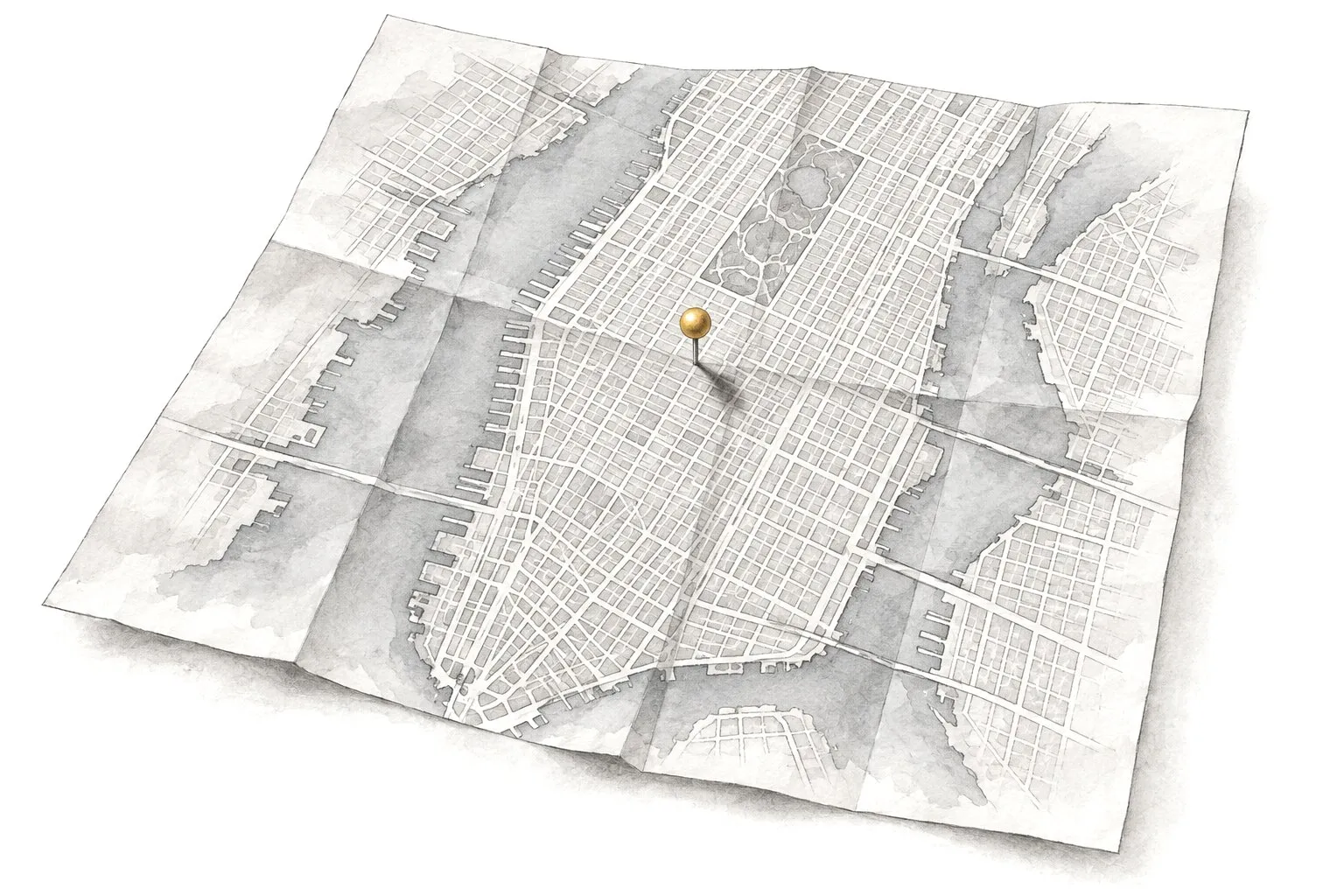
We build and run Google Ads that reach people ready to buy in the neighborhoods you serve, then show you in plain English what you spent and what came back. The account is yours, and Google bills you directly.
What’s included
Setup and weekly tuning, call and form tracking, a monthly report
“We pay Google every month and can’t tell what it brings in.”
“Our ads show up for searches that have nothing to do with us.”
“The last agency set up the account in their name, and now we can’t get in.”
“We only serve Manhattan, but we keep getting calls from New Jersey.”
“The ads send people to our home page, and they leave.”
“The monthly report is twelve pages of numbers nobody explains.”
What we do
With Google Ads, you appear at the top of Google when someone searches for what you sell, and you pay when they click. Done well, it brings calls within days. Done carelessly, it burns money quietly.
Campaigns organized by service
Emergency repairs get their own campaign and budget, separate from installations or maintenance, so you decide where the money goes.
Ads written for your customers
Ads that repeat what people searched for and mention the things that make them call: your neighborhood, your hours, same-day visits, free estimates.
Weekly search-term cleanup
Every week we read what people actually typed before clicking your ad, and block the searches that waste money.
Ads on when you can answer
If nobody picks up the phone after 7 p.m., your call ads shouldn’t run after 7 p.m. We match the schedule to your hours.
Budget that lasts the month
We pace spending so the budget doesn’t run out by the 20th, and shift it toward the days and services that bring in work.
Small tests, kept if they win
We try a new headline or offer, or a new landing page, one at a time. Each test is judged by the calls and forms it brings in, not by clicks.
How it works
1
Audit or fresh start
2–4 days
If you already run ads, we review the account and tell you what’s wasting money. If you’re new, we look at your market and competitors.
2
Plan and budget
1–2 days
Which services to advertise, which areas, a starting daily budget and what counts as a lead. You approve it in writing.
3
Build and track
1–2 weeks
Conversion tracking goes in first. Then we build the campaigns and ads with their landing pages, and test that calls and forms are counted.
4
Run and report
Ongoing
Weekly tuning and a monthly report in plain English. A short call whenever you want one.
What every account gets
Old account or brand-new one, these are the basics we put in place.
An honest audit
Wasted searches, broken tracking, settings that send ads outside your area. We show you what we found before we change anything.
Keywords and negative keywords
Keywords are the searches you want to show up for. Negative keywords are the ones you don’t, like “free,” “jobs” or a service you don’t offer.
Targeting by neighborhood and ZIP code
We target the areas you actually serve, down to ZIP codes. Google’s default also shows ads to people who merely show interest in those places, so we set ads to reach people who are actually there.
Call buttons on your ads
Google is retiring stand-alone call ads, so we add call assets, a tap-to-call button, to your regular ads instead.
Landing pages that match the ad
Someone who searched for “water heater repair” lands on a page about water heater repair, with your phone number at the top.
Conversion tracking
A conversion is the action you care about: a call, a form, a booking. We track those, so Google’s system learns from real leads.
A report you can read
One page. It shows what you spent and how many calls and forms came in. You also see what each lead cost and what we’ll change next month.
The Google Ads account is in your name and Google bills your card directly. We work through access you grant, and if we ever part ways, you keep the account with its history and everything in it.
What it costs
Starting at$600/mo
Ad spend is separate and paid to Google
Our monthly fee covers managing your campaigns: the setup and weekly tuning, conversion tracking, a monthly report. What you pay Google for clicks is separate and goes straight from your card to Google.
It depends on your trade and your area, and on what a customer is worth to you. Clicks for lawyers in Manhattan cost far more than clicks for a dog groomer in Staten Island. We’ll suggest a starting budget in your plan and adjust it once we see real results.
Who owns the Google Ads account?
You do. The account is created in your name with your billing, and we get manager access. If an agency built your account under their own name, we’ll help you set up one that’s truly yours.
How fast do Google Ads work?
Ads can start showing within a day or two of approval, and calls often follow soon after. The first few weeks are for learning which searches and ads bring real leads, so expect steady improvement over the first months.
What’s the difference between Google Ads and Local Services Ads?
With Google Ads you pay per click, and you control the keywords and ads as well as the landing pages. With Local Services Ads you pay per lead, and Google builds the ad from your profile and reviews. Many service businesses use both.
Can I target only certain neighborhoods?
Yes. We can target ZIP codes, a radius around your shop or whole boroughs, and leave out places you don’t serve. We also change one default setting. Otherwise Google shows your ads to people who are only interested in your area, wherever they are.
Why do my ads get clicks but no calls?
Usually the ads show for the wrong searches, the landing page doesn’t match the ad, or nobody answers when people call. Our audit checks all three and tells you which one is costing you.
Can you take over my existing account?
Yes. We keep the history, which helps Google’s system, and fix what isn’t working instead of starting over. If the account isn’t in your name, we’ll sort that out first.
Get a free website review
Send us your website address. We’ll look at it the way your customers do and tell you, in plain English, what to fix first.